
Bring any recipe. Get the whole dinner sorted.
A creator’s video, nan’s voice note or a cookbook page becomes a hands-free cooking guide, with calories, a place in your week and a shopping list.
youtube.com/watch?v=butter-chicken
Voice note Filming Photo or PDF Typing
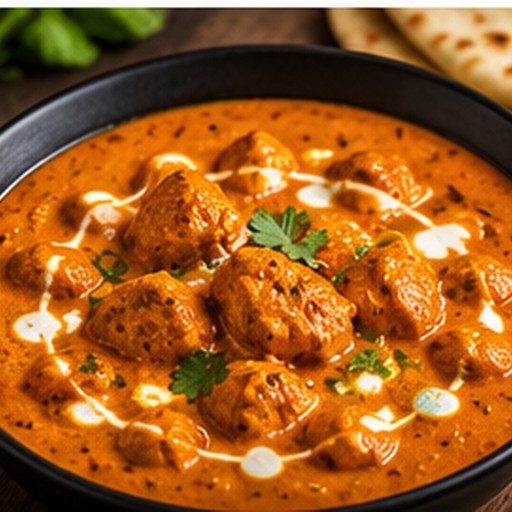
Your guide is ready
Butter chicken
- 14 ingredients, as the cook said them
- 8 steps, in order
- 5 amounts never stated, kept as questions
Step 4 of 8
Butter chicken
Cook the onions
In the same pan, cook the onions down in butter.
medium heat · kadai · 10 min
Ready when: deep gold, not brown
At this step
- Onion · 2 large
- Butter · 100 g
Coming up
- 3Sear the chicken
- 5Cook the tomatoes
- 6Blend the sauce
- 7Simmer with chicken
Listening: say “next”
Per serving · serves 4
- Protein46 g
- Carbs27 g
- Fat78 g
9 of 14 ingredients counted. Yoghurt, oil and salt stay out until you settle how much.
Mon
Tue
Wed
Thu
Fri
Sat
Sun
breakfast
Pancakes
Porridge
Eggs on toast
Porridge
Fruit and yoghurt
Pancakes
Eggs on toast
lunch
Tomato soup
Hakka noodles
Leftover chicken
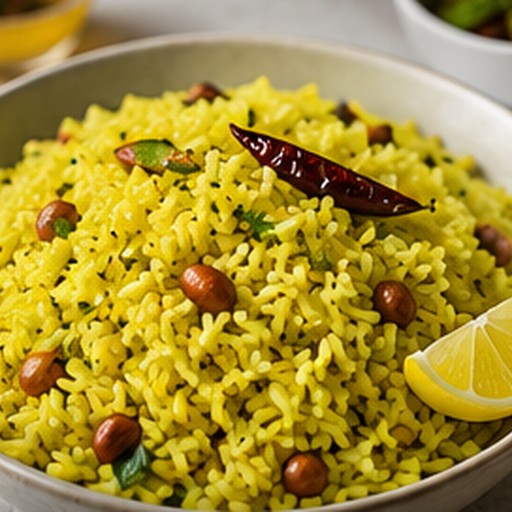
Lemon rice
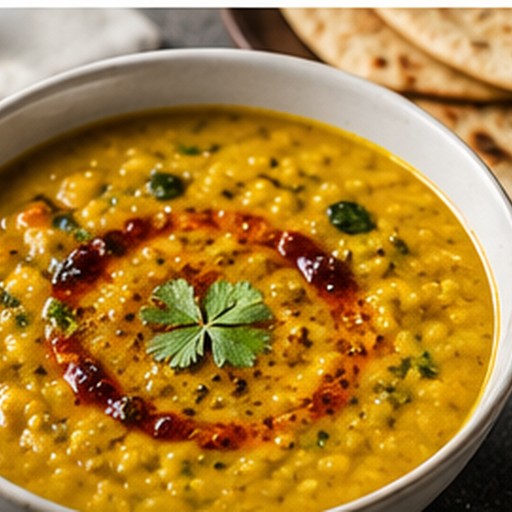
Everyday dal
Eat out
Tomato soup
dinner
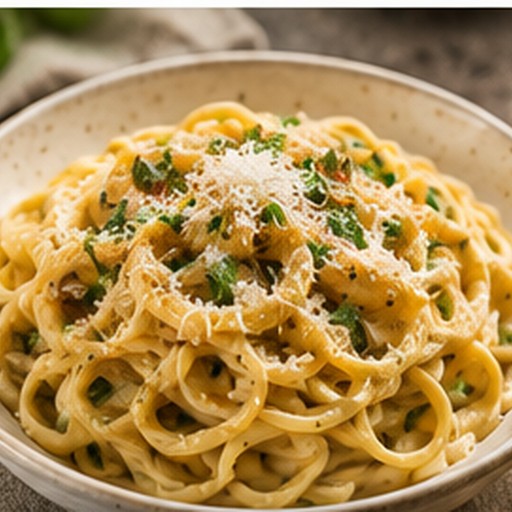
Garlic pasta
Butter chicken
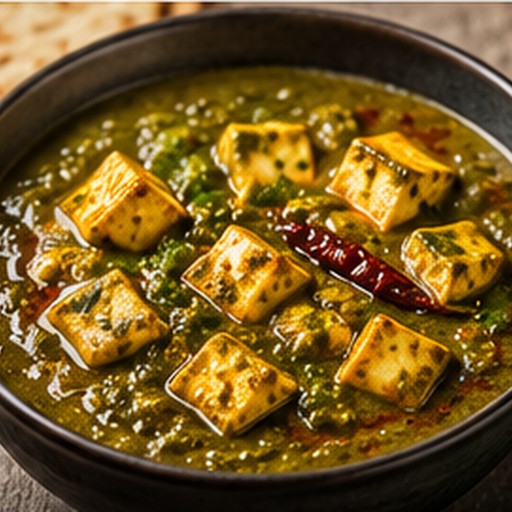
Palak paneer
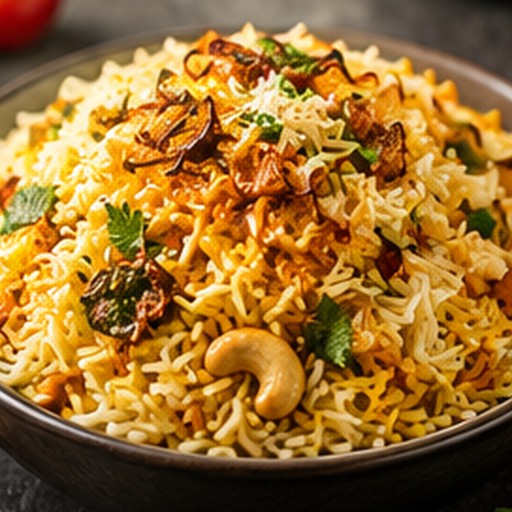
Biryani
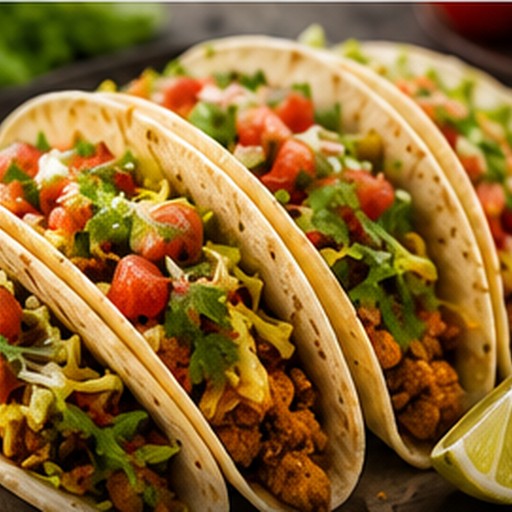
Chicken tacos
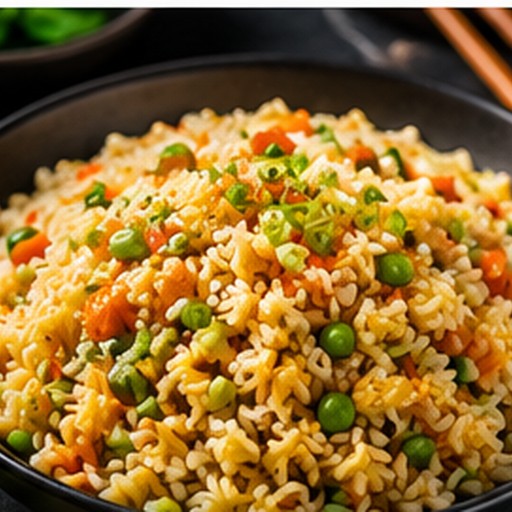
Fried rice
Everyday dal
- MonGarlic pastaPancakes · Tomato soup
- TueButter chickenPorridge · Hakka noodles
- WedPalak paneerEggs on toast · Leftover chicken
- ThuBiryaniPorridge · Lemon rice
- FriChicken tacosFruit and yoghurt · Everyday dal
- SatFried ricePancakes · Eat out
- SunEveryday dalEggs on toast · Tomato soup
- Market run
- Kitchen
Saturday big shop
4 of 18 in the trolley
Fruit & veg
- Bananas1 bunch
- Onions1 net
- Spinach1 bag
Meat & fish
- Chicken thighs1 family pack
- Salmon2 fillets
- Beef mince500 g pack
Dairy & eggs
- Milk2 litres
- Eggs1 dozen
- Yoghurt1 large tub
Dry goods
- Basmati rice1 kg bag
- Chopped tomatoes4 tins
- Pasta2 packs
Example Kitchen · sample creator
Before you publish
3 things a cook would have to guess
- Green chillies: said “a few”
- Warm water: said “as required”
- Step 3: no time or sign to judge by
After people cook it
47 cooks, not views
Butter chicken, cooks at each step
- 281
- 282
- 283
- 235
- 236
- 237
- 238
- 22Done
Step 4, Cook the onions: 5 stopped here
- Cooks said
- Too salty 2
- Too dry 1
- Burned 1
Start with a video, a voice note or a cookbook page. See how
Drawn from the demo kitchen. Dishes, numbers and the creator are examples.
However the recipe reaches you.
Six ways in, one guide out. Whatever you bring becomes the same ingredients list, shopping list and step-by-step cooking guide.
- A video or recipe linkA YouTube video or a recipe webpage. The creator and the original stay attached.
- Upload video or audioYour own clip, a voice note, or something saved from Instagram or TikTok.
- Record a voice noteMum, nan or a friend talking through the dish. We pull out the ingredients and steps.
- Film someone cookingFilm them at the hob. We watch and listen, then build the guide.
- Photo or PDFA cookbook page, a recipe card, a handwritten note. Anything unreadable is left blank.
- Type it inA dish you know by heart, in your own words.
And for everything else in the kitchen.
A clear path from recipe to dinner.
- 1
Bring a recipe
A link, a clip, a voice note, a photo, or your own words. Where there is a source, it stays attached.
- 2
Check your ingredients
See the amounts the source gives. Missing details stay visible for you to check.
- 3
Shop for what is missing
Choose the ingredients you need and add them to your shopping list.
- 4
Cook at your own pace
One step at a time, hands-free if you like. Finish without a questionnaire.
The original stays part of the recipe.
Open the original video, page or recording to check a technique or hear how it was explained. Where a source timestamp is available, jump to that moment from the cooking step.
Original links depend on the creator’s video remaining available. RecipeMirror can make mistakes; check the guide before cooking.
Ready when you come back.
Keep your guides in My Dishes, return to a cook, and use your shopping list for the next meal.
Use RecipeMirror in your phone’s browser today. Native apps are not yet available.
Start with a recipe you want to cook.
Bring a recipeA link, a clip, a voice note, a photo or your own words — any of them works.